The Tally Mobile App
for Indian Businesses.
Trusted by 500+ Indian BusinessesAccess live Tally reports, let dealers place orders via Mart, and track your business with Analytics — all from your mobile. Setup: 10 minutes.


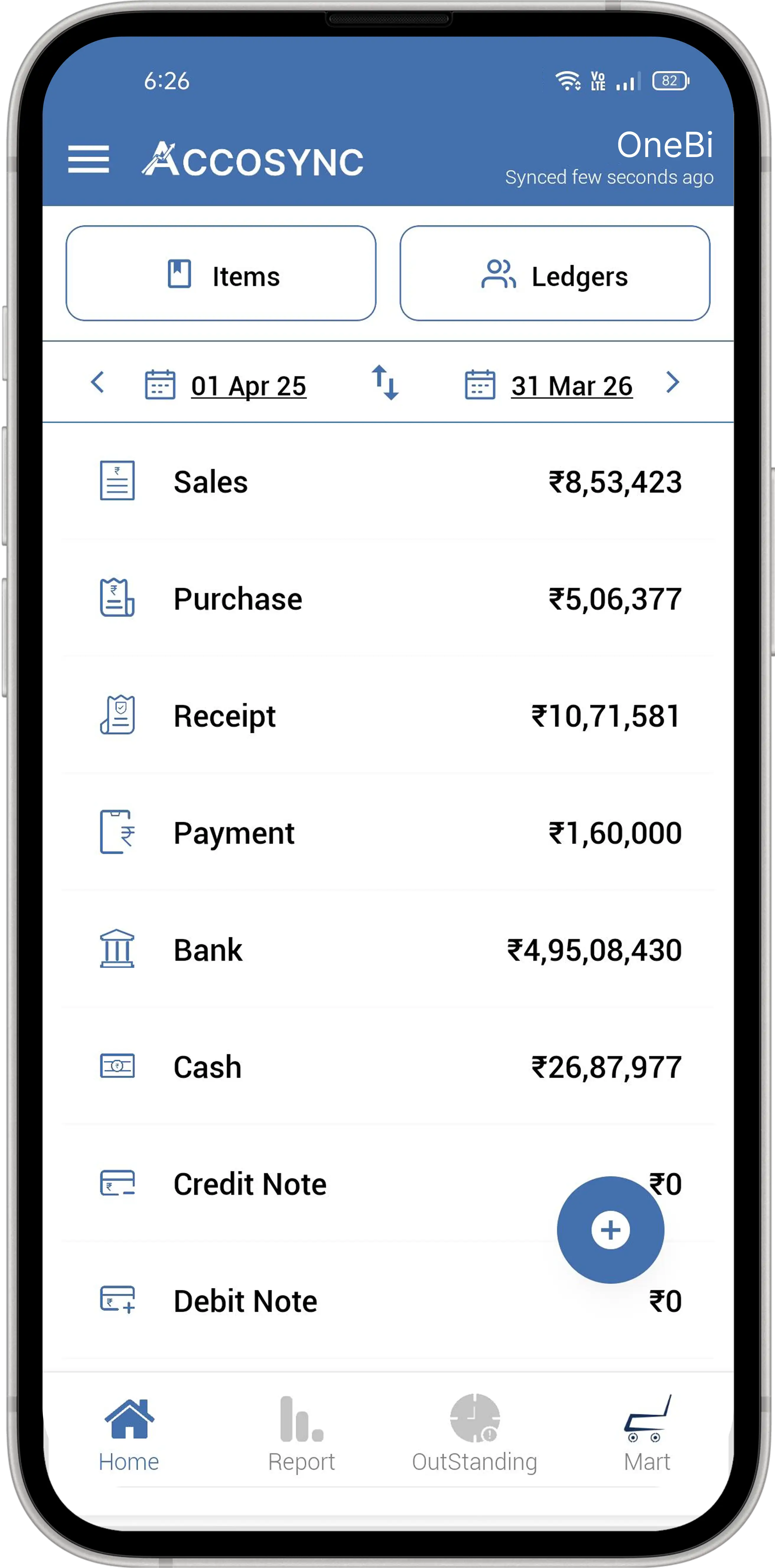
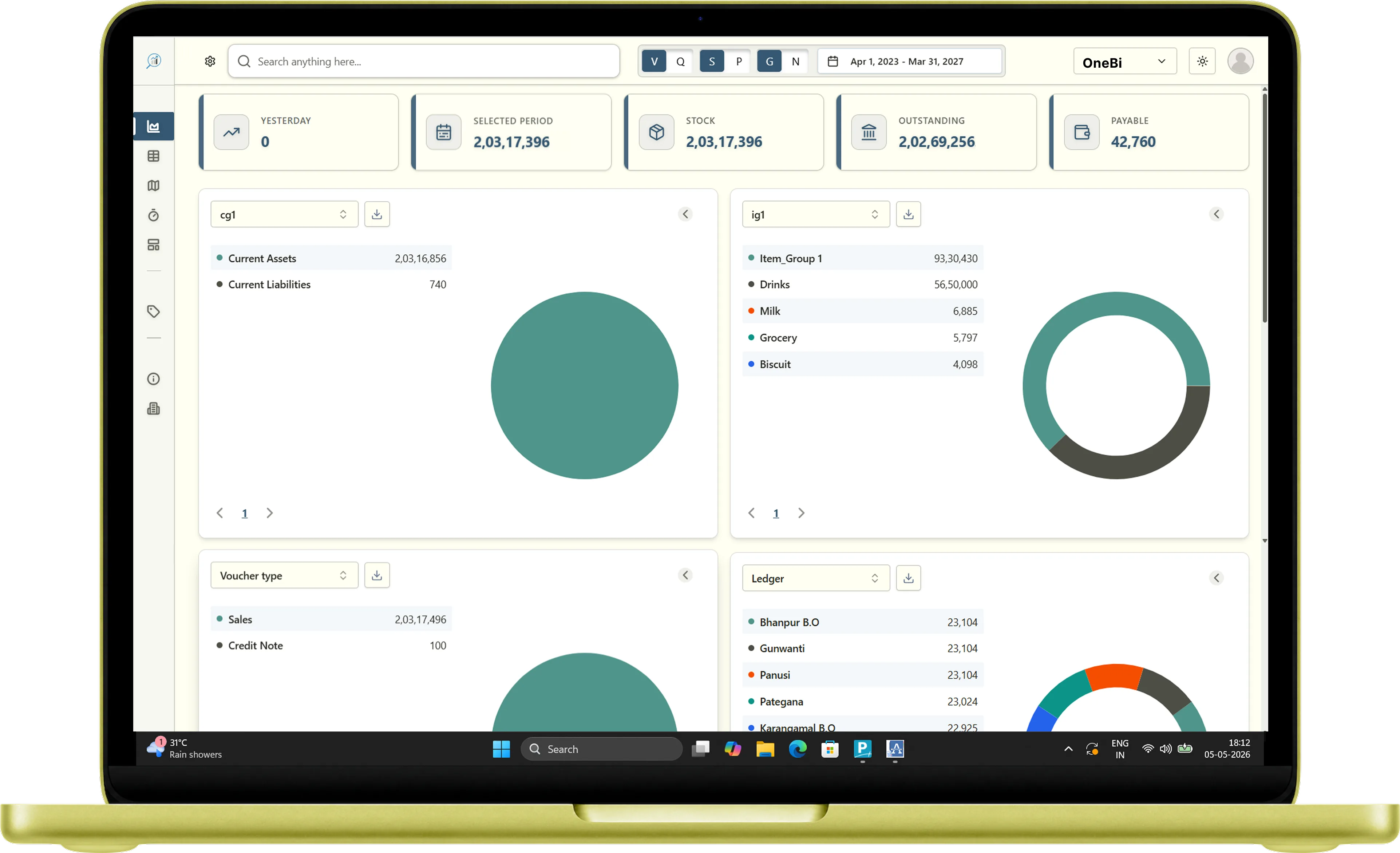
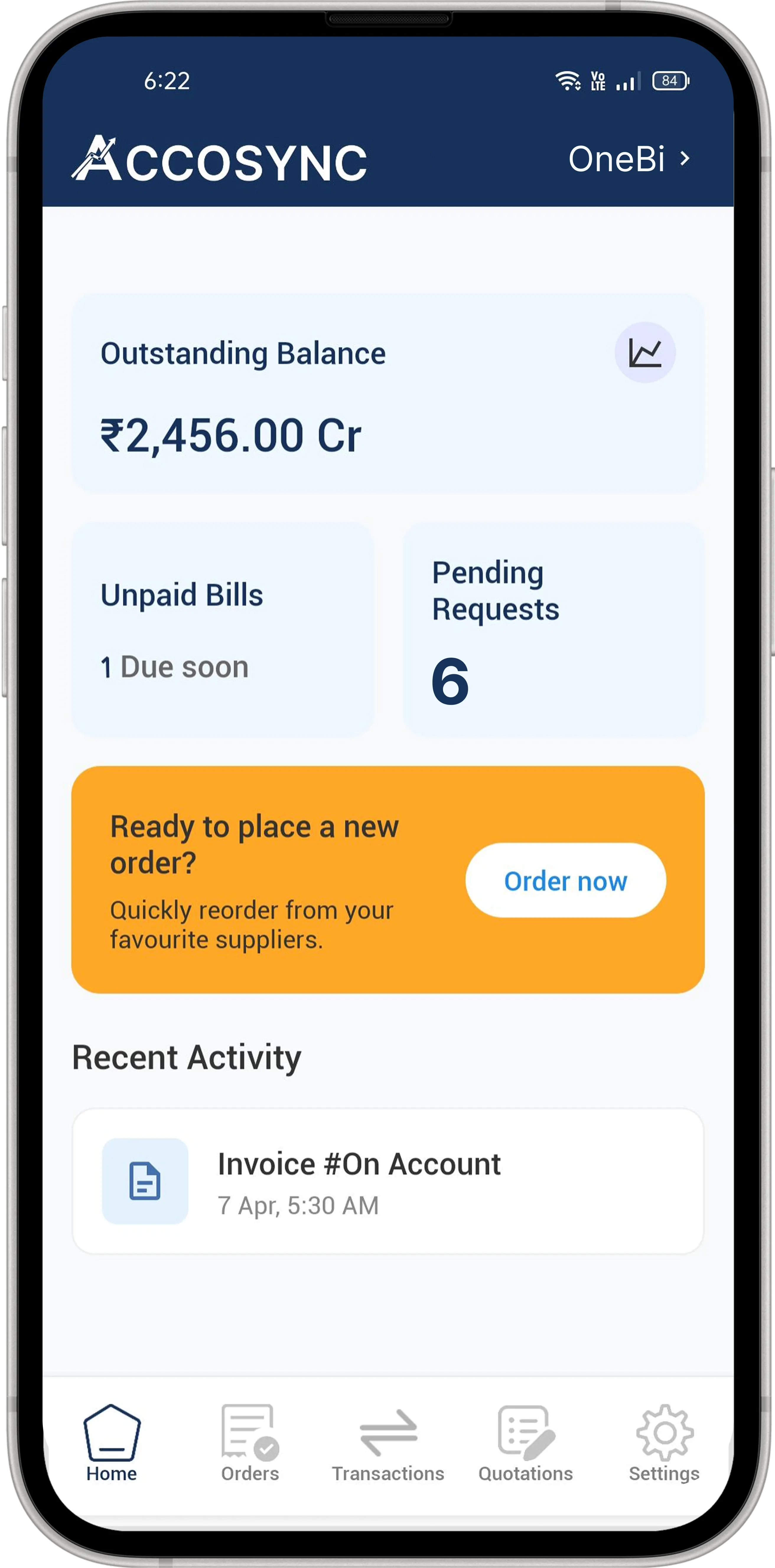
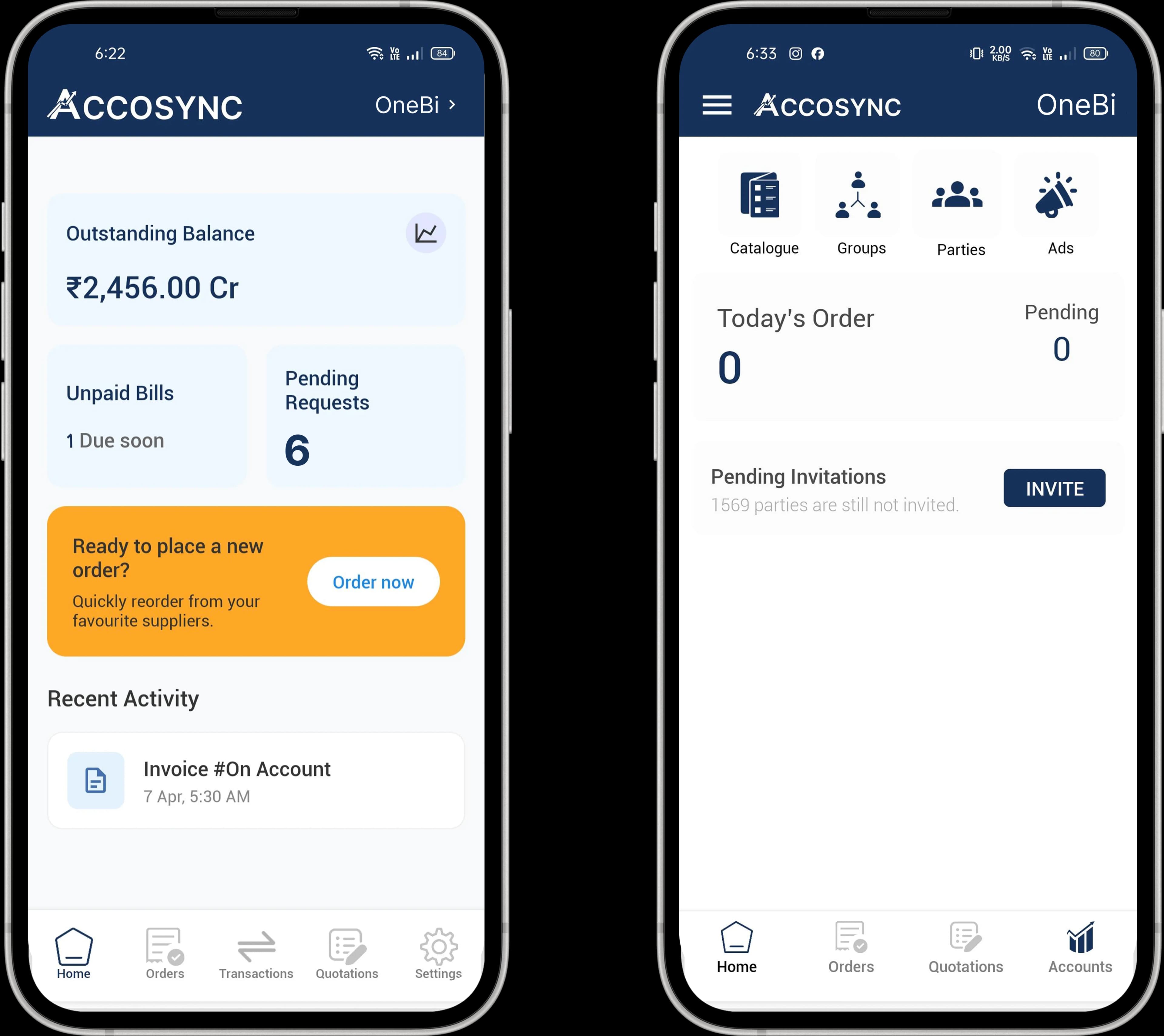
Running a business shouldn't mean being chained to your desk
You're travelling but the office keeps calling
You shouldn't have to call your accountant just to know the day's sales or customer balances. Basic figures should be in your pocket, instantly available whether you're at a meeting or an airport.

Reports are only accessible at your office desk
Your Tally is trapped on an office PC. Waiting until you are physically present to review critical outstanding or stock levels slows down business momentum and limits growth.

Constantly checking outstanding and reminding customers
Manual follow-ups eat up hours of your time. Stop asking your team to create PDF reports to send to customers. Automate your collection and invoice-sharing process effortlessly.

Up and running in 10 minutes.
No IT guy needed.
Three simple steps and you're live.
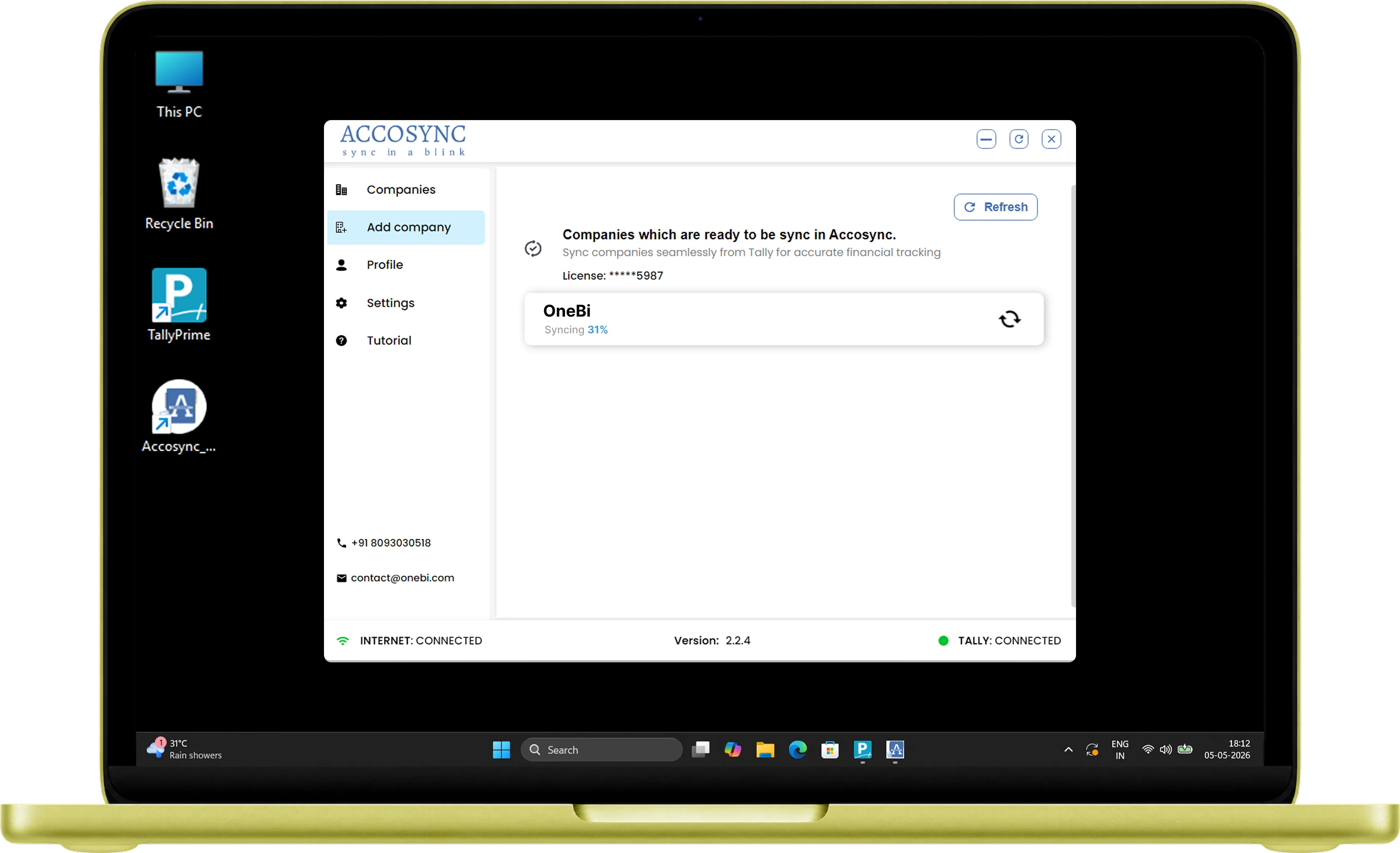
Install Tally Connector on your Windows PC
Download the free connector app on the PC where Tally runs. It takes under 5 minutes to install. Accosync acts as a Tally mobile connector — a lightweight bridge between your desktop Tally and your mobile.
Windows 7+ · Tally ERP 9 & Prime · 5 MB
- Works with Tally ERP 9 and Tally Prime
- No changes to your existing Tally data
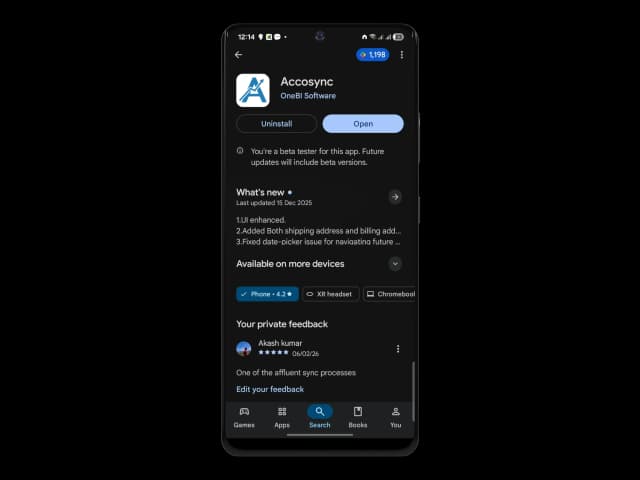
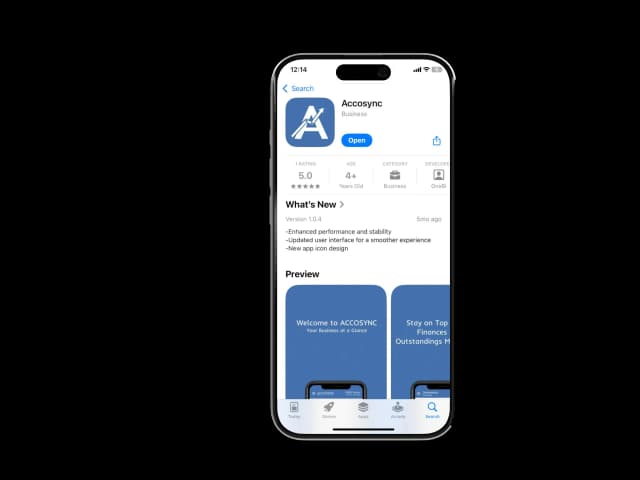
Download Accosync on your mobile
Get Accosync free from the Play Store or App Store. Login with your details and connect to your PC.
- Free on Play Store
- Available on Android & iOS
Access your live Tally data from anywhere
That's it. Your Tally data is now on your mobile — live. Check Core reports, let dealers order via Mart, and track KPIs with Analytics.
- Live data, not cached snapshots
- Multiple companies, multiple users